
STOP LIST
Add any company to the stop-list and all trading will be stopped versus them, this includes partners and non-partners.
You can add them to stop list anywhere you see your partner status:
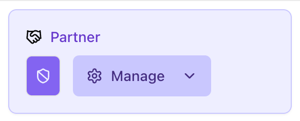
Click the shield button or select Stop trading in the dropdown menu: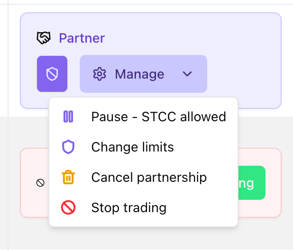
You can also go directly to the stoplist and add them from there:
https://app.greenpowerhub.com/company/partners/stopped
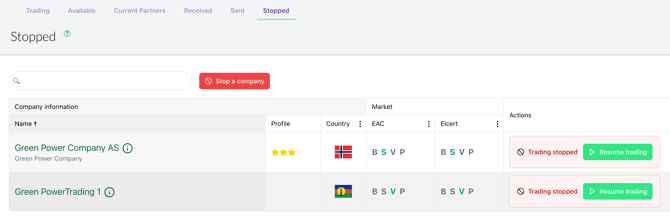
Resuming partnership will bring back the status and limits as it was before.
NON-PARTNERS
Also companies you are not partners with can be stopped. By default any STCC interests would be traded with any company regardless of being partner or not. But when a company is on the stop list this is no longer the case, no trades will be executed against this client.
Stopping takes effect immediately when it has been received, but will not give any visual changes before a certain amount of time has passed. This is by design.
Stopping a company does not send any message to the counterpart.
PAUSE VS STOP
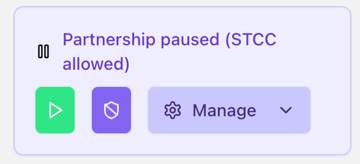
For partners you still have the option to pause the partnership if you want to keep trading on a Subject to contract and credit basis. (Stopping stops also potential STCC trades)
LINKED INTERESTS
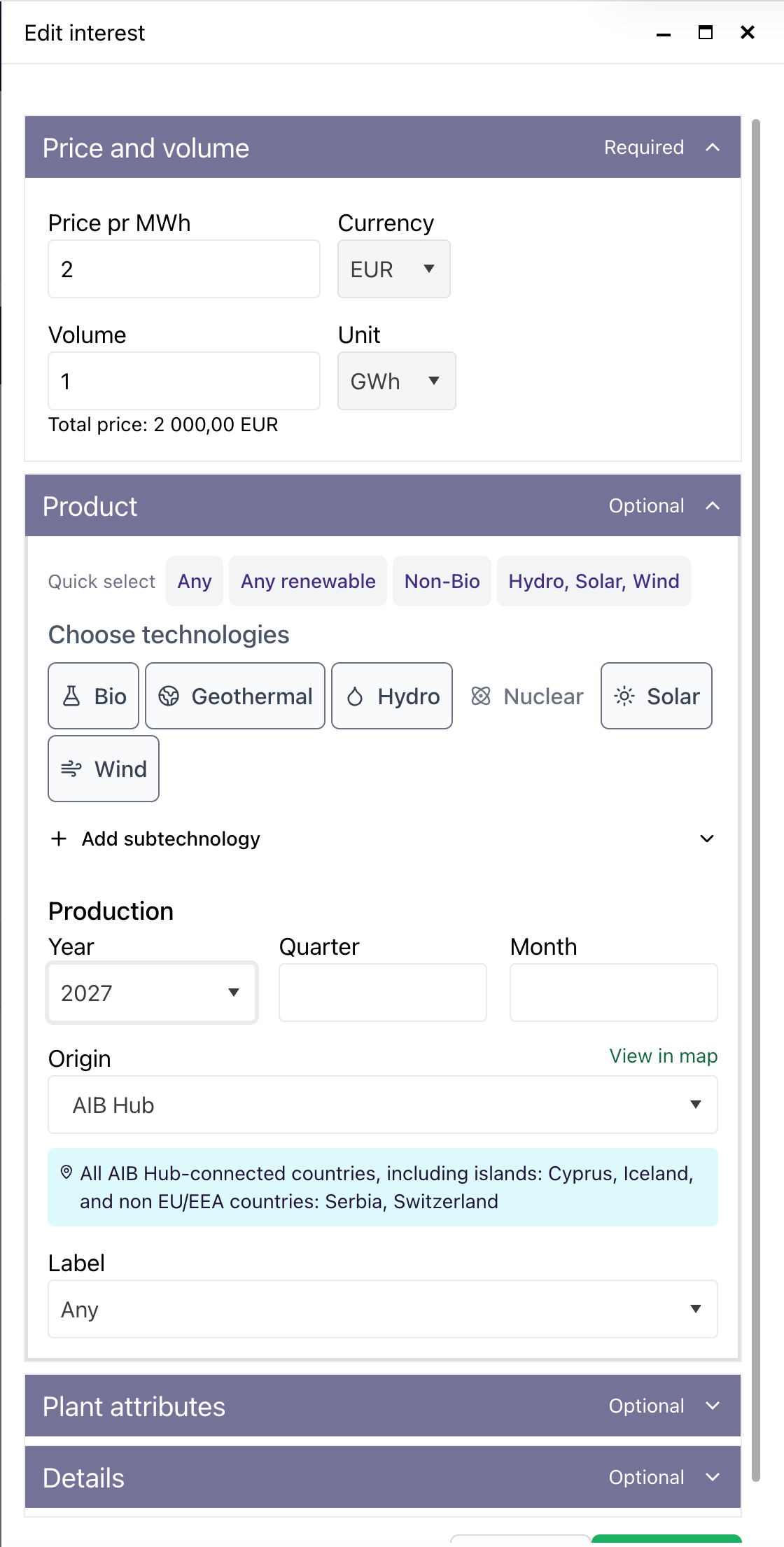
We improved the creation and editing of Linked Interests
There now is a better sidebar with scrolling that can be maxed or minified, we also fixed some clicking issues in the dialogue:
SPEED UPDATES
We have enhanced our real-time update handling to ensure changes are reflected faster and more reliably across the platform.
SUMMARY
This release focuses on giving you greater control, improving workflow efficiency, and enhancing real-time performance.
We hope these updates make your daily use of GreenPowerHub smoother and more reliable.
As always, we welcome your feedback.